CloudMonetDocs
GitHubGitHub (opens in a new tab)
  • Welcome
    • Overview
    • Creating Your Account
    • Creating Your First Design
    • Editor Interface Overview
    • Overview
    • Managing Projects
    • Overview
    • Canvas Navigation
    • Selecting & Transforming Objects
    • Frames
    • Layers & Z-Ordering
    • Preview Backdrop
    • Undo & Redo
    • Overview
    • Text
    • Shapes
    • Images
    • Object Properties
    • Bind
    • Overview
    • Ticker
    • Scroller
    • Clock
    • Counter
    • Timer
    • Countdown
    • Overview
    • The Timeline
    • Adding & Editing Keyframes
    • Animation Types — Text
    • Animation Types — Shapes
    • Easing & Interpolation
    • Previewing Animations
    • Overview
    • Browsing the Template Library
    • Starting from a Template
    • Overview
    • Publishing a Design
    • Sharing the Public URL
    • The Control App
    • Republishing After Edits
    • Overview
    • Configuring GDL Settings
    • Running an Export
    • Downloading the Package
    • Troubleshooting
    • Overview
    • Uploading Images
    • Supported File Formats
    • Overview
    • Saving Your Work
    • Profile & Account Settings
    • Subscription & Billing
Question? Give us feedback → (opens in a new tab)Edit this page
Getting Started
Overview

Getting Started

CloudMonet lets you design and animate on-screen graphics in the browser. This section walks you through creating an account, understanding the workspace, and opening the editor for the first time.
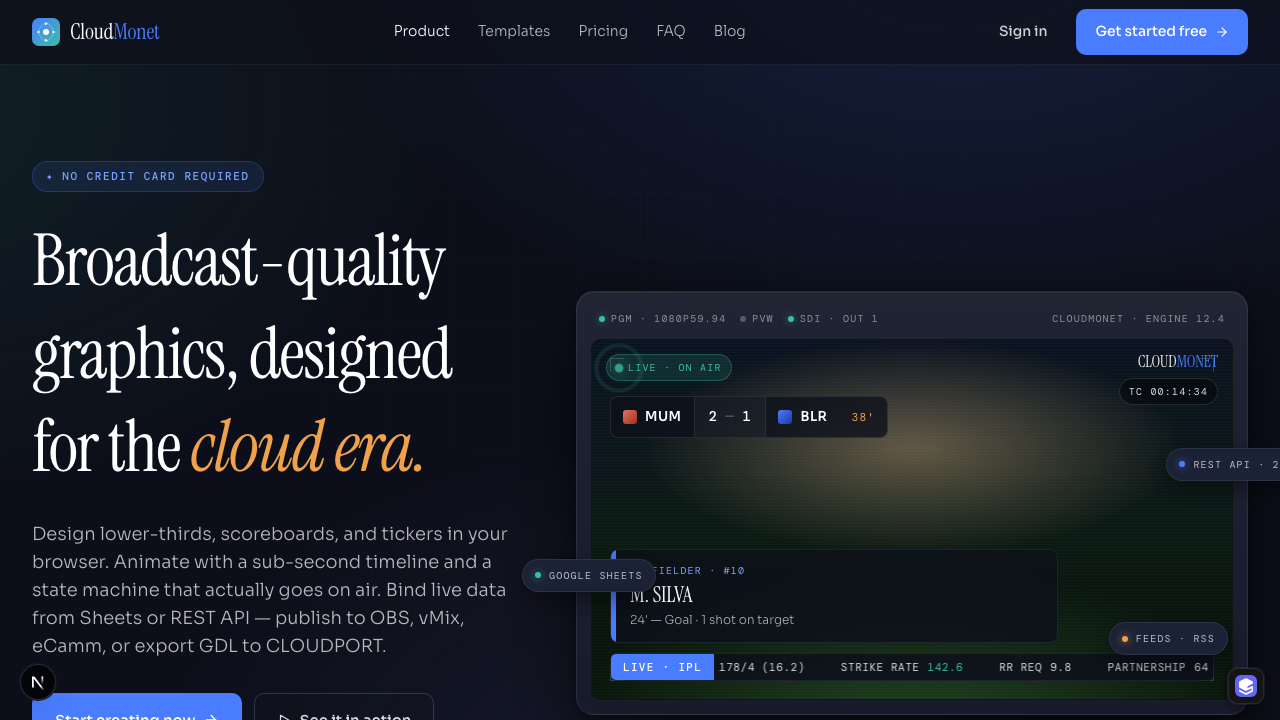
CloudMonet landing page

WelcomeCreating Your Account

CloudMonet

Broadcast-quality graphics, designed for the cloud era.

Product
  • Editor
  • Animation
  • Live data
  • Widgets
  • Control API
Built for
  • Sports
  • News
  • Finance
  • Streamers
Company
  • About
  • Contact
  • Brand
Resources
  • Blog
  • Status
  • hello@cloudmonet.in
© 2026 CloudMonet · cloudmonet.inMade for live · Bengaluru · Remote