
Nexus Live News
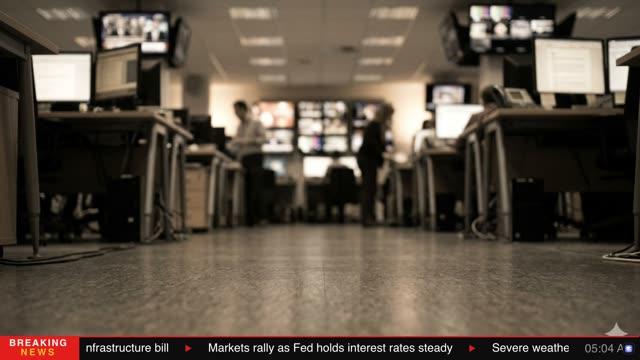
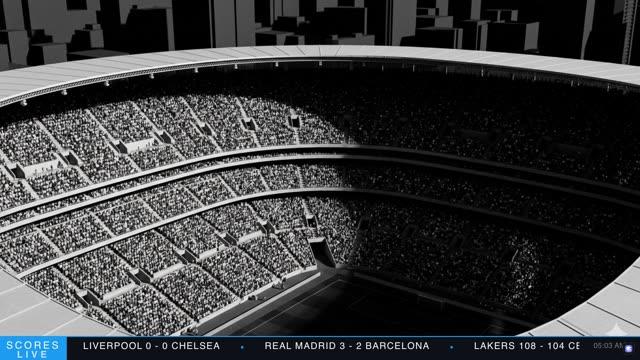
Two-zone news package: indigo (#5b21b6) branded upper lower-third with headline and live clock, plus red (#e8391d) LATEST ticker on near-black (#10103a) — all Barlow Condensed.
Two-zone architecture
Most news tickers occupy the bottom 72 px and leave the lower third to a separate template. Nexus combines both zones into a single deployable package. The upper band (y:870–1008, 138 px) carries the network brand, live status, headline, and UTC clock. The lower band (y:1008–1080, 72 px) carries the continuous news ticker with its own identity label. Both zones share the same indigo-to-navy colour language, making them read as a single designed system rather than two graphics stacked by coincidence. The red (#e8391d) on the ticker identity block is the only warm tone — a deliberate urgency marker that separates the always-on ticker from the branded upper zone above it.
Barlow Condensed as system font
Every text object in the template uses Barlow Condensed — NEXUS at 52 px weight 700, NEWS NETWORK at 24 px weight 400, LIVE at 30 px weight 600, BREAKING NEWS at 16 px weight 600, the headline at 44 px weight 700, the UTC clock at 30 px weight 300, LATEST at 28 px weight 700, and ticker text at 35 px weight 400. This is a deliberate single-typeface discipline. A condensed face at this size range delivers broadcast legibility without burning horizontal space. The weight spread (300–700) creates a full typographic hierarchy without introducing a second family. Tracking is tightly controlled per object — tighter on the headline (charSpacing:20), wider on identity labels (NEXUS:80, NEWS NETWORK:260, LIVE:200) — to manage colour-on-colour legibility across the gradient backgrounds.
Gradient identity panel and wedge transition
The left panel (560 px wide) uses a three-stop linear gradient: deep indigo (#5b21b6) at 0%, mid-indigo (#4338ca) at 60%, dark indigo (#3730a3) at 100%). A 4 px shine stripe along the top edge fades from light violet (#a78bfa) to the panel's end colour — a subtle light-source effect that lifts the panel off the bar below. The transition from purple identity panel to dark navy content zone is handled by two overlapping parallelogram polygons: nx_wedge (gradient #1e1b4b→#1a1a3e) and nx_wedge_dark (#13123a→#0b0b2e). Their staggered clip delays (80 ms and 100 ms) mean they arrive in sequence, building the diagonal edge progressively. The right panel fills the remaining 1260 px with a near-black gradient (#111130→#0b0b24), dark enough to give white headline text maximum contrast without crushing to pure black on SDR monitors.
Live dot and status assembly
The live status cluster in the right zone of the identity panel uses three elements: a 14 px red circle (nx_live_dot), the word LIVE at 30 px weight 600, and a BREAKING NEWS superscript at 16 px weight 600 in light violet (rgba 165,180,252,0.85). The dot enters with a scale punch — scaleX/scaleY from 0.2→1.0 over 140 ms — before fading in LIVE and then BREAKING NEWS in sequence. This mimics a network on-air tally light feel. The light violet on BREAKING NEWS is intentionally lower in contrast than the white LIVE label — it reads as a category tag, not a competing alarm.
Ticker zone and colour palette rationale
The ticker bar uses an independent red (#e8391d) identity block with a parallelogram wedge transition — echoing the geometry of the upper panel's wedge pair, creating visual rhyme between the two zones. The LATEST label sits in white at 28 px weight 700, centred in the 186 px red block. Ticker text is Barlow Condensed 35 px weight 400 in white, with indigo (#4f6ef7) inline styles on separator pipe characters — these blue pipes read as data punctuation against the white headline text. The indigo/violet topline gradient on the ticker bar (nx_ticker_stripe) mirrors the full-width accent line at the top of the upper bar (nx_top_accent), tying both zones together visually. All blues across the template derive from the same indigo family: #5b21b6, #4338ca, #6366f1, #818cf8, #4f6ef7 — a narrow palette that reads as a single colour despite being used across gradients, accents, and inline styles.

Ready to use this template?
Open it in the CloudMonet editor to customize and export.