Broadcast Graphics Software:
The Complete Guide for 2026
For producers and operators who want broadcast-quality visuals — without an engineering degree. What it is, what to look for, and how the whole industry shifted to the cloud.
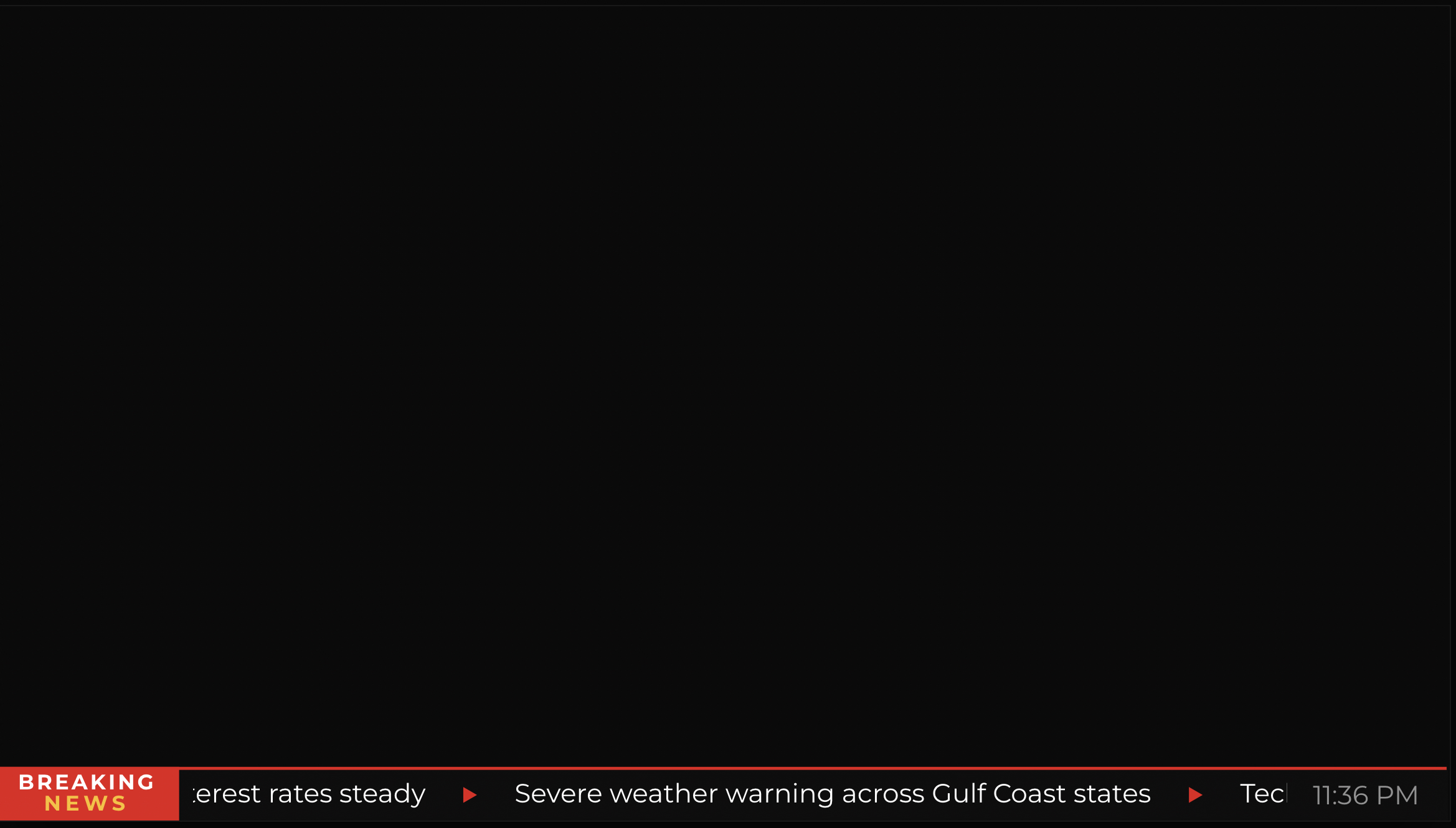
If you've ever watched a live sports broadcast, a news channel, or a streaming event, you've seen broadcast graphics in action. The score in the corner. The name and title beneath the interview guest. The breaking news ticker scrolling across the bottom of the screen. The countdown before a show goes live.
These aren't accidents. Behind every one of those elements is a piece of software — and increasingly, the people responsible for them aren't engineers. They're producers, operators, and media teams who need powerful tools that don't require a computer science degree to operate.
This guide is for them.
What Is Broadcast Graphics Software?
Broadcast graphics software is the category of tools used to create, animate, and display on-screen visual elements during live productions. These elements — collectively called “graphics” or “chyrons” in the industry — span a wide range of types, each serving a distinct purpose in a live production.
Broadcast graphics software lets you design these elements, animate them, and push them live — all in real time, without writing a line of code.
Why It Matters More Than Ever
Ten years ago, broadcast graphics were the exclusive domain of large TV networks with dedicated technical teams and six-figure hardware setups. The barrier to entry was high — both in cost and in complexity.
That's changed dramatically.
The explosion of live streaming, sports content, and digital-first media has created a new class of broadcaster: the independent producer, the regional sports network, the streaming startup, the corporate communications team running a live all-hands. These teams need professional-looking graphics, but they don't have the budget or the headcount of a major network.
“The result is a generation of broadcast graphics tools built for people who lead with creativity, not code.”
— The new standard in broadcast productionThe Two Eras of Broadcast Graphics
To understand where the industry is today, it helps to understand where it came from.
Traditional broadcast graphics ran on dedicated hardware — physical machines in broadcast trucks or control rooms, operated by specialist engineers. Powerful and reliable, but expensive and inflexible. Updating a lower third meant navigating complex menus. Adding a new template could take hours.
Modern broadcast graphics software runs entirely in the cloud or in a browser. No hardware to install, no software to update, no IT team required. This shift has democratised broadcast production in the same way that Canva democratised graphic design, or Vimeo democratised video hosting.
What to Look For
Not all tools are created equal. Here is what actually matters when evaluating your options — beyond the feature checklist on any vendor's website.
Of these, ease of use and reliability tend to matter most for non-technical teams. A tool with every feature imaginable but a steep learning curve will slow your production down, not speed it up. And in live broadcast, a tool that fails once is a tool you stop trusting.
Common Use Cases by Industry
Broadcast graphics software serves a wide range of production types. The specific graphic needs — and the pace at which they need to be created and updated — vary significantly by vertical.
The Shift to Cloud-Native Production
The most significant trend in broadcast graphics right now is the move to cloud-native tooling. Rather than running graphics from a local machine in a control room, teams are designing, managing, and publishing graphics entirely from a browser — from anywhere in the world.
For teams that produce live content across multiple locations — or that simply want the flexibility to work from anywhere — cloud-native broadcast graphics software is increasingly the obvious choice. The control room is wherever you open your laptop.
Getting Started
If you're evaluating broadcast graphics software for the first time, resist the urge to jump straight into free trials. A little upfront clarity saves a lot of switching cost later.
A New Generation of Tools
The broadcast graphics landscape has changed significantly in the last few years. Cloud-based platforms have made it possible for small teams to produce graphics that, not long ago, would have required a dedicated technical crew and expensive hardware.
Tools like CloudMonet are part of this shift — designed specifically for non-technical operators who need broadcast-quality output without the complexity of legacy systems. If you're starting from scratch or looking to modernise your graphics workflow, it's worth exploring what the current generation of cloud-native tools can do.